Worldies
Learn the world, build a zoo
A first atlas for children aged 3 to 5. Your child meets the continents, flags and countries through flashcards and quizzes, earns gold for every lesson, and spends it on animals for their very own painted zoo. Every instruction is spoken, so your child can play before they can read.
- For ages 3–5
- English & Tiếng Việt
- Every instruction spoken
A look inside
-
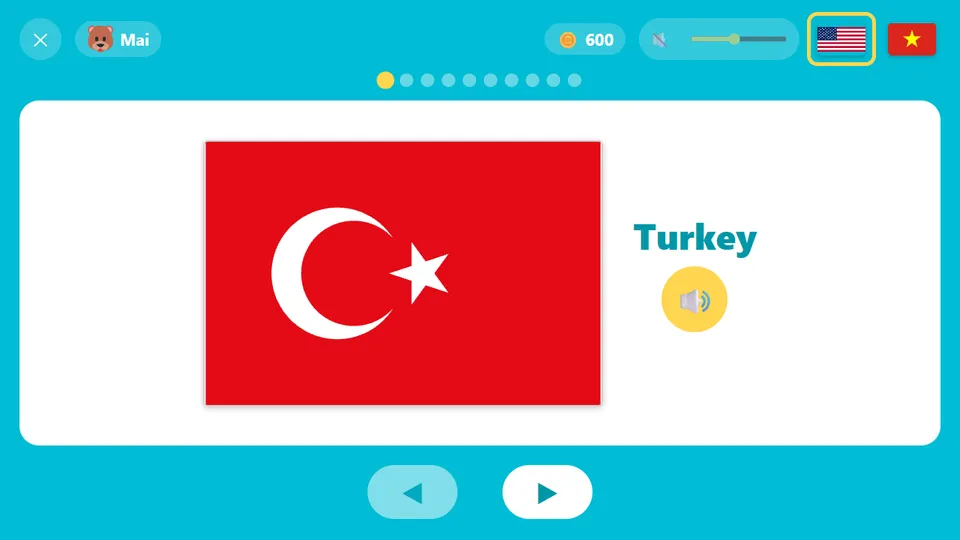
Flashcards: see a flag, hear its name -
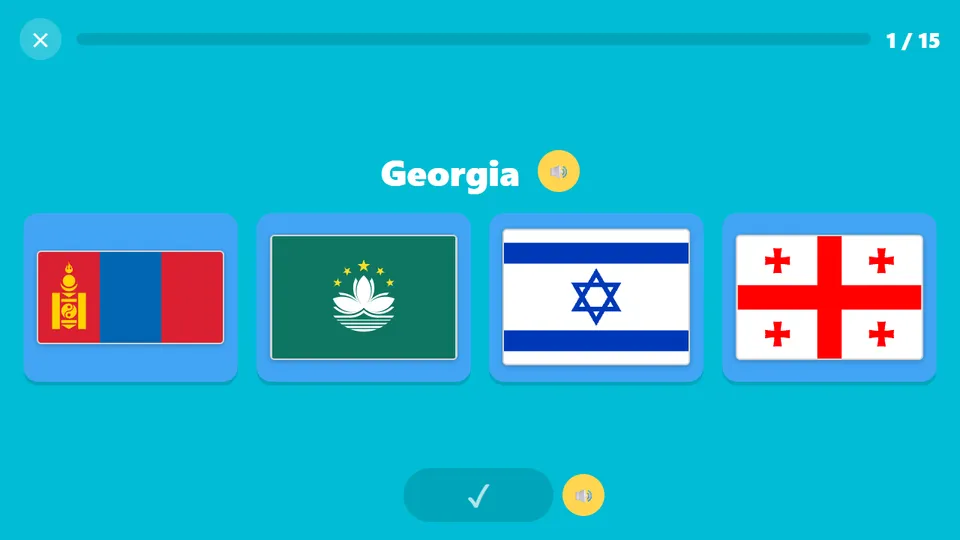
Quizzes: tap the right flag -
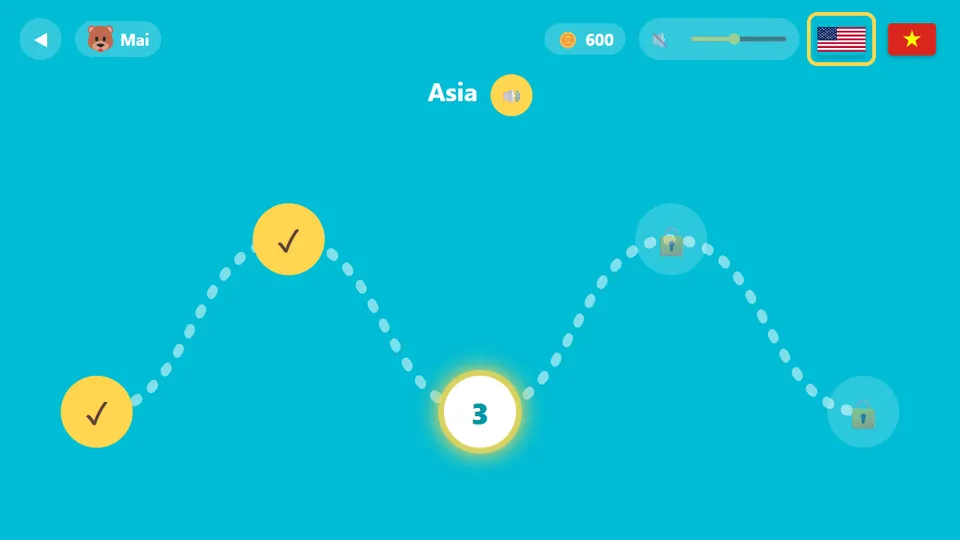
A path of short lessons for each continent -
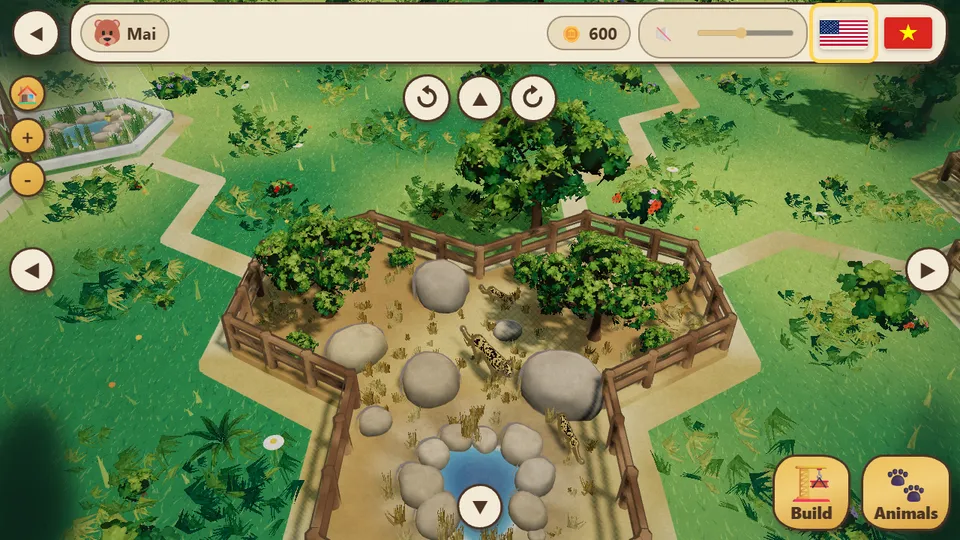
Their own painted zoo
What your child learns
-
Continents
Africa, Asia, Europe, North and South America and Oceania, one at a time, with the countries that belong to each.
-
Flags
More than 190 flags, starting with the best-known in each continent, then checked in short quizzes.
-
Countries
Every country's name, read aloud in English or Vietnamese, so your child hears it said right.
A painted zoo, paid for in gold
Every lesson earns gold. Your child spends it on homes and animals (lions, pandas, penguins, giraffes, a whale shark and more than 80 others) and watches them settle into a 3D zoo that looks hand-painted. Lessons become something to look forward to.
Made for little hands
- No reading needed. Every instruction is spoken; pictures and icons do the rest.
- Big, easy buttons for small fingers on a phone or tablet.
- Plays in the browser on phones, tablets and computers. Add it to your Home Screen and it opens like an app.
- Free, with no ads. No sign-up needed: progress stays on your device.